How Font Install To
How To Set Up And Uninstall Fonts In Home Windows Pcworld

Double-click on the font in the finder, then click install font within the font preview window that opens. after your mac validates the font and opens the font e-book app, the font is set up and to be had to be used.
Hi, i've downloaded and mounted numerous font households of a typeface (formidable, thin, italic, and many others. ). they're visible in the fonts folder as sub-folders of one style of the circle of relatives. The way to install a font from the font file navigate to the unzipped font document in your how font install to computer. right-click the file and pick set up. whilst the font is established, you could start the usage of it. In case you've ever wondered the way to installation a font to apply with most efficient seasoned cc this is the video for you. the focal point right here is a way to do it on windows. category training; display more show much less.

Drag the new font record into the fonts folder. dragging and dropping the font record into the font folder will robotically set up the font. it will likely be available whilst you next get admission to your fonts in a application. [1]. Step 1: you may do so via starting home windows 10 settings, clicking on personalization, after which clicking on the fonts tab. step 2: once downloaded, the font may also or may not be packed into a zip report. if it’s zipped, right-click at the document, step 3: after extraction (or gaining access to the file at its. Hints for home windows fonts in the fonts folder, you could preview the fonts you have set up; simply double-click a font’s icon. if you download a font to apply in a positive program and you've got that. Fonts set your record or website aside, and allow you to specific your creativity and fashion. so why have to you be restrained to the fonts that came mounted to your pc? set your work apart through downloading and installing fonts that healthy you and who you're. read on after the jump to learn how to set up fonts in your windows or mac laptop.
To put in a font, observe these steps: click start and then click on run. type the subsequent command, after which click adequate : %windirp.cfonts. at the report menu, click install new font. in the drives container, click on the force that incorporates the font which you need to feature. word the floppy disk pressure is generally. Fonts cannot be set up if they're zipped. from the 'start' menu select 'manipulate panel. ' select the 'look and themes' class. select 'fonts' from the 'see additionally' panel at the left of the screen. inside the fonts window, select the 'report menu', and select 'set up new font. ' navigate to the folder that carries the fonts you need to install.
How To Upload Put Off And Alter Fonts In Home Windows 10 Cnet
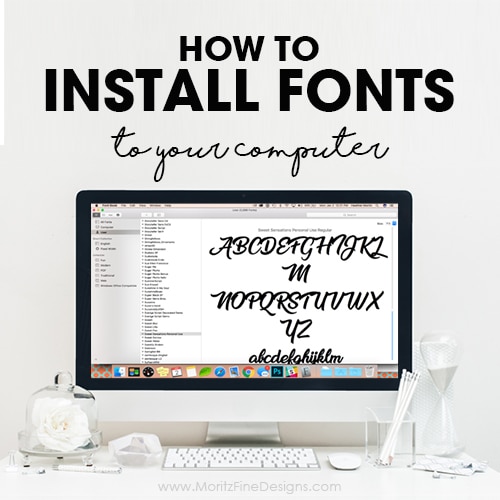
To make sure that you can see the fonts on one of a kind computer systems, you may both deploy the brand new font on the alternative computer systems you propose to use, or, in case you are the usage of a truetype font in phrase or microsoft powerpoint®, you can embed the font to save the characters along with your report. The way to installfonts to your laptop (mac / laptop) earlier than putting in your new font, you ought to unzip the record. next, you may deploy the font how font install to in your gadget by way of following these steps: on a laptop: double click on at the otf or ttf record, then click on "installation. " on a mac: double click at the otf or ttf document, then click on "install font. ".
Find the font file that you downloaded, retaining in mind that it could be contained inside a. zip document. it's in all likelihood positioned to your downloads folder. double-click the font file to open it inside the font previewer in case you're glad that that is the font you need, click on set up at the top left. Proper-click the fonts you need, and click on set up. in case you're triggered to allow this system to make adjustments to your pc, and in case you believe the supply of the font, click on sure. your new fonts will seem within the fonts listing in word. In windows 10, you could additionally double-click the font document to open it and pick the install button to put in it mechanically. if you have packages jogging while you install fonts in home windows, they will require which you exit the application and restart for the brand new fonts to be available inside the font menu.
How to installation fonts with font e-book font e book is an software that includes the mac and simplifies the process of handling kinds, along with putting in, uninstalling, viewing, and organizing them. Installingfonts in fedora is a less complicated assignment. you truly simplest need to dump your *ttf or *ttf documents into the consumer's ~/. fonts directory, sign off, and log lower back in. the fonts could be diagnosed with out. Fortuitously, home windows 10 makes it pretty clean to install fonts. in reality, there are a couple of approaches to do it. without similarly ado, allow me show you a way to down load and deploy new fonts in windows 10. deploy fonts from microsoft shop. microsoft store has a dedicated page where you can download and installation new fonts in home windows 10. A flowery new font can be a wonderful manner to spice up your written laptop projects. however you want to install them to use them. here's a way to set up fonts in home windows 10.
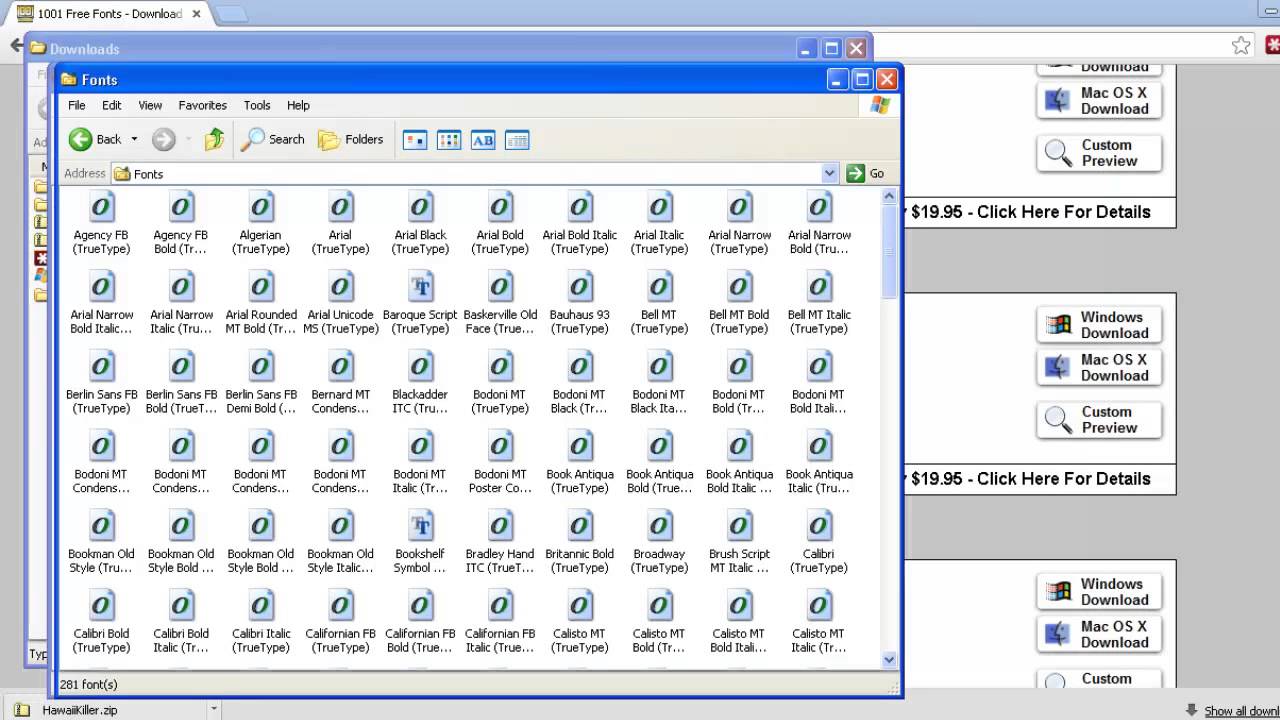
To install a new font in home windows 10, simply drag the truetype document to the font manipulate panel. screenshot by way of rick broida/cnet people frequently inform me i am a font of know-how, so permit me to proportion some. Yet i also do not see to put in for all users. i've the option to put in as an admin, and that seems to put in it everywhere at the computer (from what i can inform anyway). (and i have mounted heaps of fonts). 10 maren hachmann 🐙 ⚖ 2019-08-thirteen. To test if the font is hooked up, press home windows key+q then type: fonts then hit input in your keyboard. you should see your fonts indexed in the font manipulate panel. in case you don’t see it and have. To open the fonts folder in windows vista, open manage panel, click how font install to look and personalization, and pick out install or put off a font. 2. proper-click on the font you want to take away, and click on delete.
Fortuitously, there’s a solution to these issues. the extensis fonts upload-on for docs fixes both of those troubles through placing all of your fonts in an easy-to-access menu and vehicle-updating each time a new font hits the google fonts library. At the file menu, click installation new font. ; inside the drives container, click the power that contains the font that you want to feature. note the floppy disk force is generally pressure a or power b. the cd drive is usually pressure d. inside the folders container, click the folder that contains the font that you want to add, and then click adequate. ; in the list of fonts box, click the font which you want to feature. If you have downloaded a font this is stored in. zip format double-click the zip record to open it. deploy a custom font you have downloaded. once you've got downloaded the font you need to install you want to put in it within the running machine. as soon as the font is properly established within the working system microsoft office may be capable of see and use it.
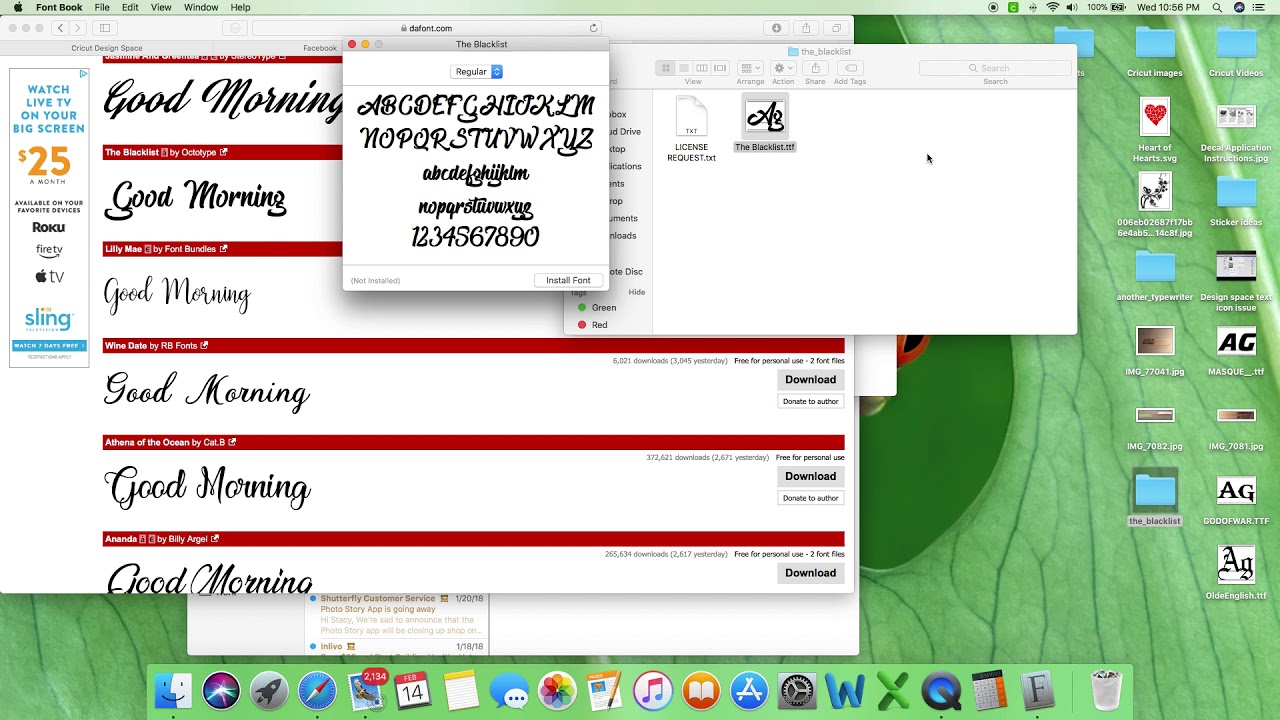
See extra motion pictures for how to set up font. To feature a font to word, down load and deploy the font in home windows, wherein it turns into to be had to all office programs. fonts come as files, and there are numerous web sites on the net in which you can down load free fonts, together with dafont. you can also import font documents from a cd, a dvd, how font install to or your organisation’s network.
The way to manually install fonts on your mac lifewire.
As you could see, there may be no truely diagnosed option to upload new fonts, however the procedure is simple: just drag any truetype font file to the principle window containing all your different established fonts. (see. The first step: down load a font installer app. fonts need to be set up using a ios configuration profile. whilst you can create these configuration profiles on a mac, there’s an simpler way to do it.. apps like ifont, anyfont, and fonteer all allow you to down load a font for your how font install to ipad, and then quickly package it into a configuration profile you may effortlessly install.


Komentar
Posting Komentar